
Introduction
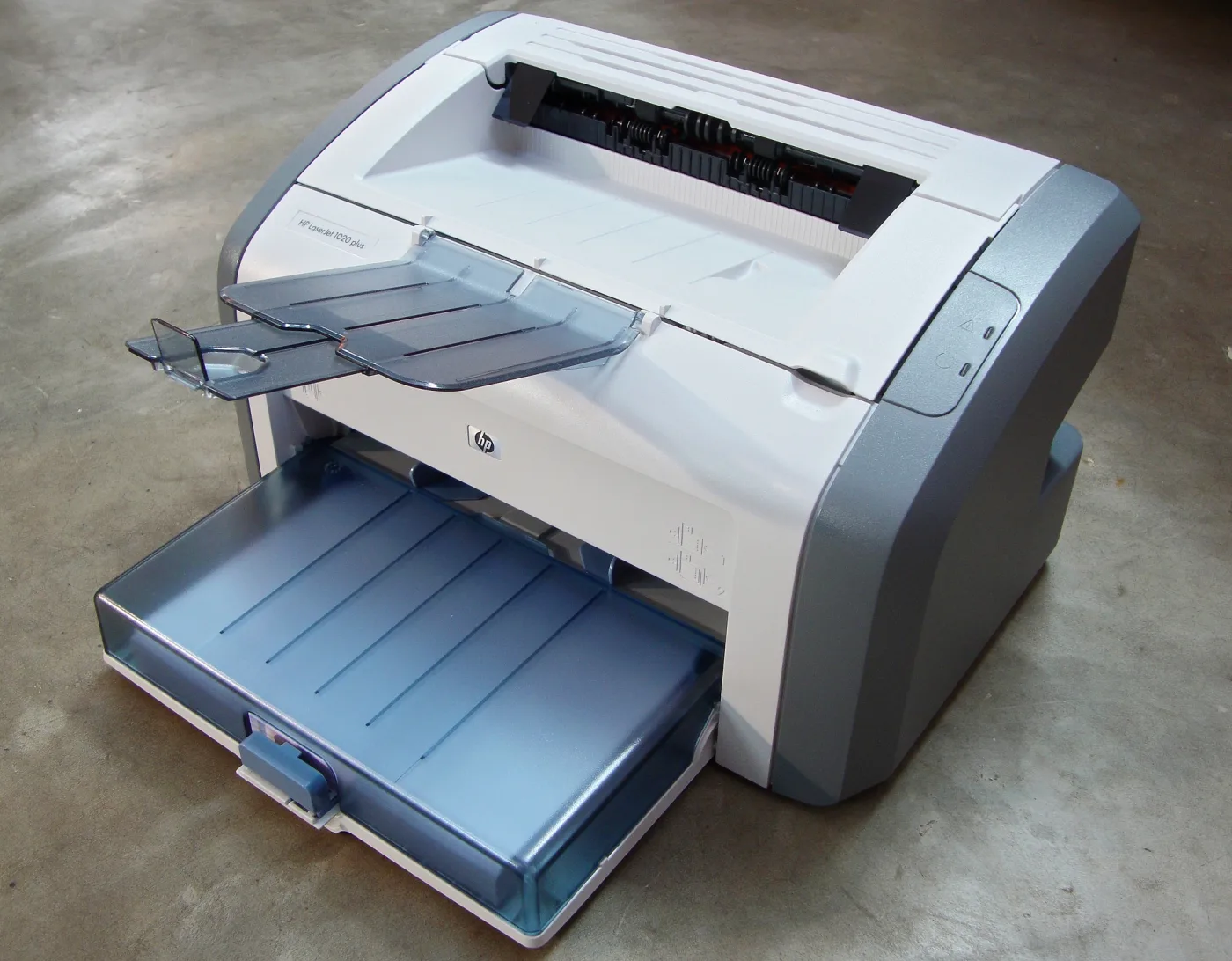
Windows 10 usually detects and installs printers automatically. However, older printers like the HP LaserJet 1018 may not be recognized, requiring manual installation through the Print Server Properties dialog.
Installation Steps
-
Open Print Server Properties
Press
Win + R, enterprintui /s /t2, and click OK. This opens the Print Server Properties window directly to the Drivers tab. -
Add a Printer Driver
Click the Add button. The Add Printer Driver Wizard will open. Click Next to proceed.
-
Select the Driver
- If the HP LaserJet 1018 driver appears in the list, select it and click Next.
- If not, click Windows Update to refresh the driver list. This may take a few minutes.
- After the list updates, select manufacturer HP and choose the HP LaserJet 1020 driver. The 1020 driver is compatible with the 1018 model.
- Click Next, then Finish.
-
Complete Setup
Connect the printer via USB if you have not already done so. Windows should now recognize the device using the installed driver.
Troubleshooting
- If the printer still does not work, try downloading the driver directly from the HP support website.
- Ensure the USB cable is functioning and the printer is powered on.
- Check Device Manager for any unknown USB devices that may correspond to the printer.